
Booking requests get missed
Requests arrive by call, text, and email — and the ones nobody wrote down turn into surprises at the door.
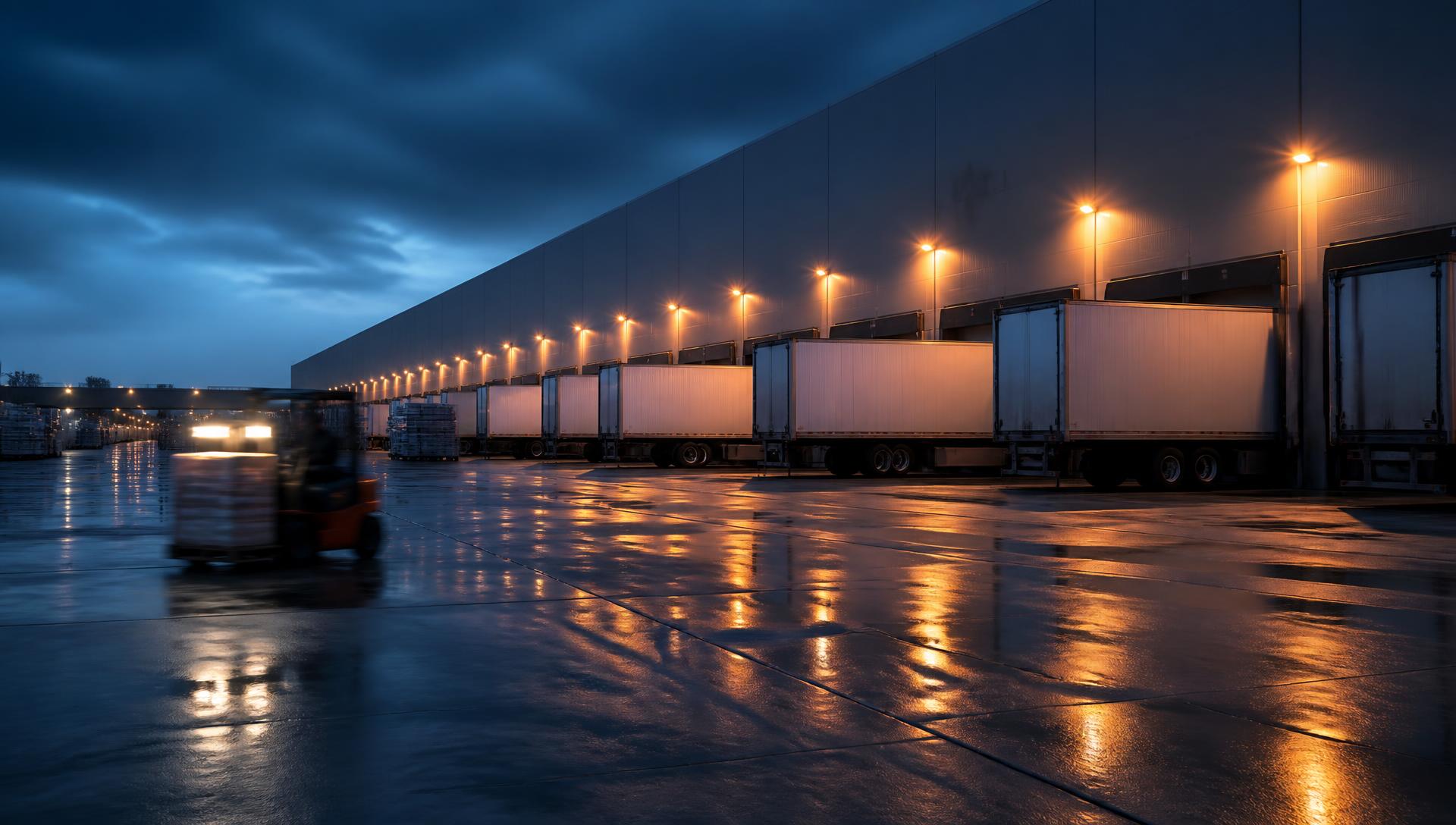
From one door to a full network, Docking Buddy brings booking requests, dock assignments, arrivals, and accountability into one system. Each facility configures its workflows and roles — from gate check-in to completion and customer invoicing — so freight keeps moving and responsibility stays clear.
Problems we solve
A missed request here, an unclear owner there, one double-booked door — and by the afternoon the yard is backed up and nobody can say why.
Requests arrive by call, text, and email — and the ones nobody wrote down turn into surprises at the door.
A spreadsheet, a whiteboard, an inbox, and someone's memory. None of them agree by mid-shift.
When responsibility isn't recorded, follow-up depends on whoever happens to be standing there.
Two appointments, one door. You find out when the second truck is already backing in.
Early, late, or unannounced arrivals stack up in the yard with no one tracking the queue.
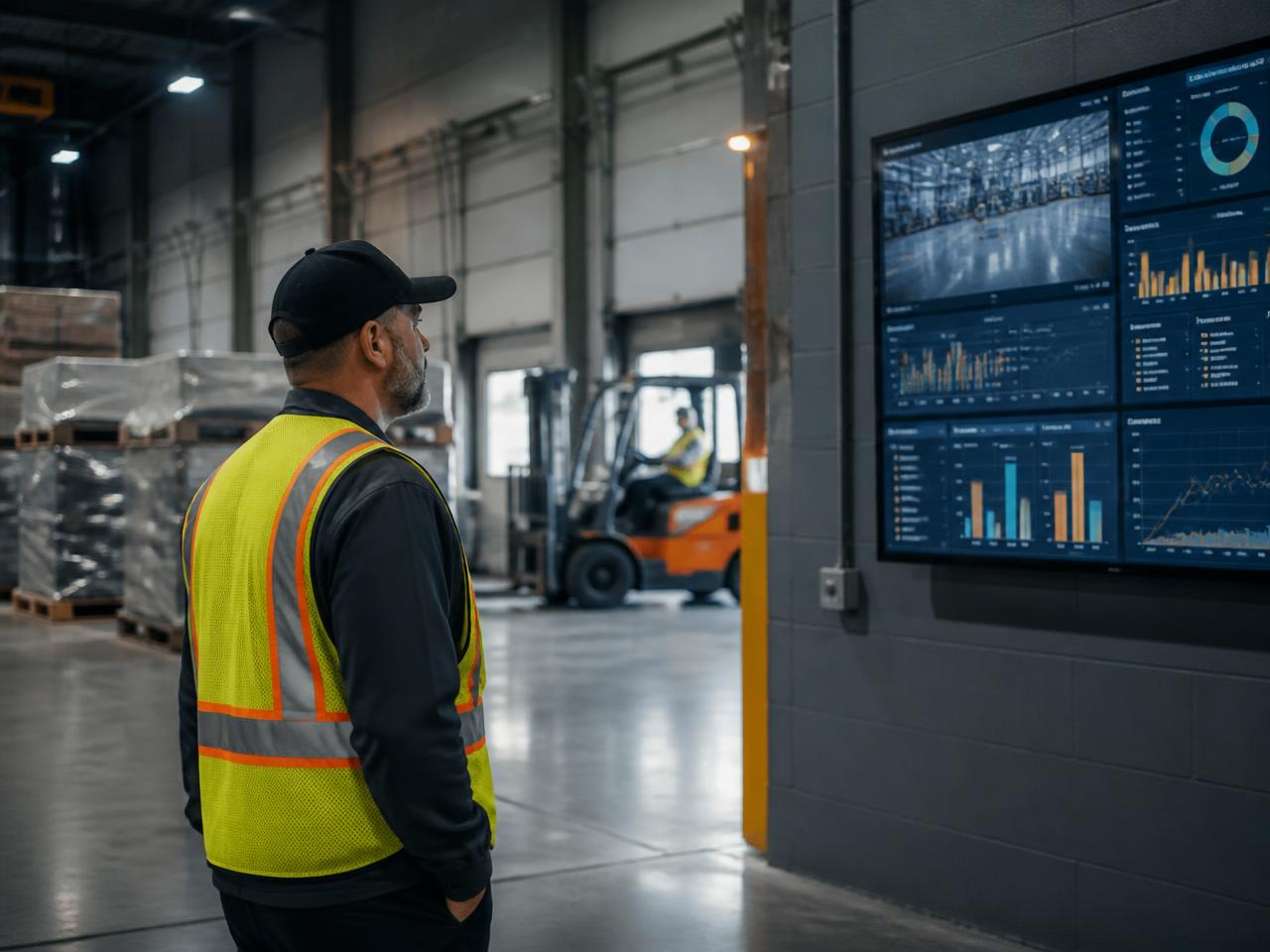
Managers can't answer what's on site, what's running behind, or how the day actually went.
How it works
Follow each load from request to completion, with dock assignment and gate routing configured for the facility. Trucks can stage before a dock is assigned.
Requests land in one intake inbox instead of scattered calls, texts, and inbox threads.
Approved requests become confirmed bookings with dates, windows, and load details.
Docking Buddy recommends doors that match trailer type, temperature, hazmat, and weight — you confirm the assignment, and that confirmation records you as the load's owner. Each facility chooses who can assign docks; trucks can stage before assignment.
At the gate, record arrival, verify the driver, complete the safety check if enabled, then route to staging or straight to a dock. A truck can go to staging before a dock is assigned.
Crews work the load against a clear owner and door, with a live yard map showing every staged truck, plus photos and exceptions captured as they happen.
Loads close out with the details your team, customers, and carriers need after the fact.
KPIs, analytics, and an emailed end-of-day facility manager report turn the day into something you can act on.
Operational visibility
Doors, appointments, arrival stages, and exceptions in a single view your whole team shares. Incompatible or competing assignments surface before the truck arrives, and the end-of-day report writes itself from the work you already did.
Dock board
Today · 5 docks · 11 appointments
Illustrative interface. Live product views shown during a demo.
Capabilities
Incoming requests collect in a single queue so nothing gets lost in a text thread or a voicemail.
Every request is acknowledged by a named employee at scheduling, and completion is attributed the same way — so it's always clear who owns a load and who closed it out.
All inbound and outbound appointments in one place, with the load details your team needs at the door.
Bulk-load bookings, customers, and carriers from a spreadsheet instead of entering them one at a time.
Docking Buddy recommends the right door by matching trailer type, temperature requirements, hazmat, and weight against how each dock is configured.
Doors and appointments move through arrival stages in real time, with exceptions surfaced instead of buried.
Every staging spot laid out visually and color-coded — empty, assigned, or occupied — so dispatch and gate staff know where a truck is at a glance instead of opening individual bookings.
Check drivers in, verify who arrived, attach photos, and record exceptions with a clear audit trail.
A dedicated role for gate staff: record arrival, verify the driver, truck, and trailer, complete the safety check if enabled, then route to staging or straight to a dock. A truck can go to staging before a dock is assigned.
Photograph BOLs or paperwork during check-in and get an instant Verified / Needs review flag that matches the expected order.
Give customers and carriers their own view for requests and status, so fewer answers have to come over the phone.
Drivers get a link by text or email to confirm their appointment, report they're running late, update their ETA, or request a reschedule — no app and no login required.
Who it's for
Cross-docking, transloading, and warehouse operations, at a single site or across multiple sites. Each facility chooses dock-assignment permissions, gate safety checks, PO validation, and API access, with role-based permissions, access approvals, and audit trails.
See if it fits your operationFAQ
A 20-minute walkthrough for your site or network — booking intake, gate flow, roles, and the controls each facility chooses. We can scope integrations around your provider accounts. We follow up with next steps, not a drip campaign.